Never miss a due date again.
Bill Alarm keeps your credit card, electricity, internet and mobile bills in one place, and keeps reminding you until they're due.
The problem
Bills are easy to forget. Late fees are not.
Every month the same bills come back, each from a different company, on a different date, through a different SMS, email or app. Miss one and it costs you.
Scattered everywhere
Card statements, electricity bills and recharge reminders arrive in different places, so there's no single view of what you owe.
Different due dates
Each bill has its own cycle. Keeping track of who is due when, in your head, is how dates slip by.
Missing one costs money
A late payment can mean late fees, interest on your card, or a service cut-off, and late card payments can hurt your credit score.
The solution
One app for every bill, with an alarm that won't let you forget.
Add your bills once. Bill Alarm shows what's due next, how much you owe, and reminds you every day as the due date gets close.
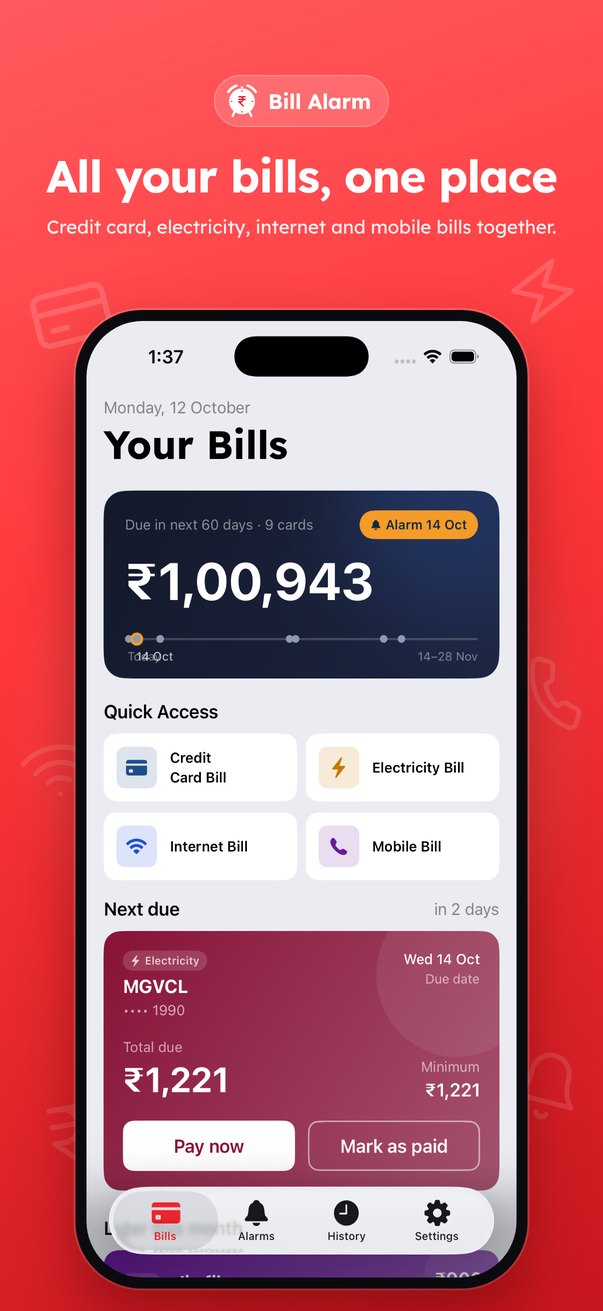
All your bills, one place
See the total due over the next 60 days at a glance, with a timeline of exactly when each bill lands.
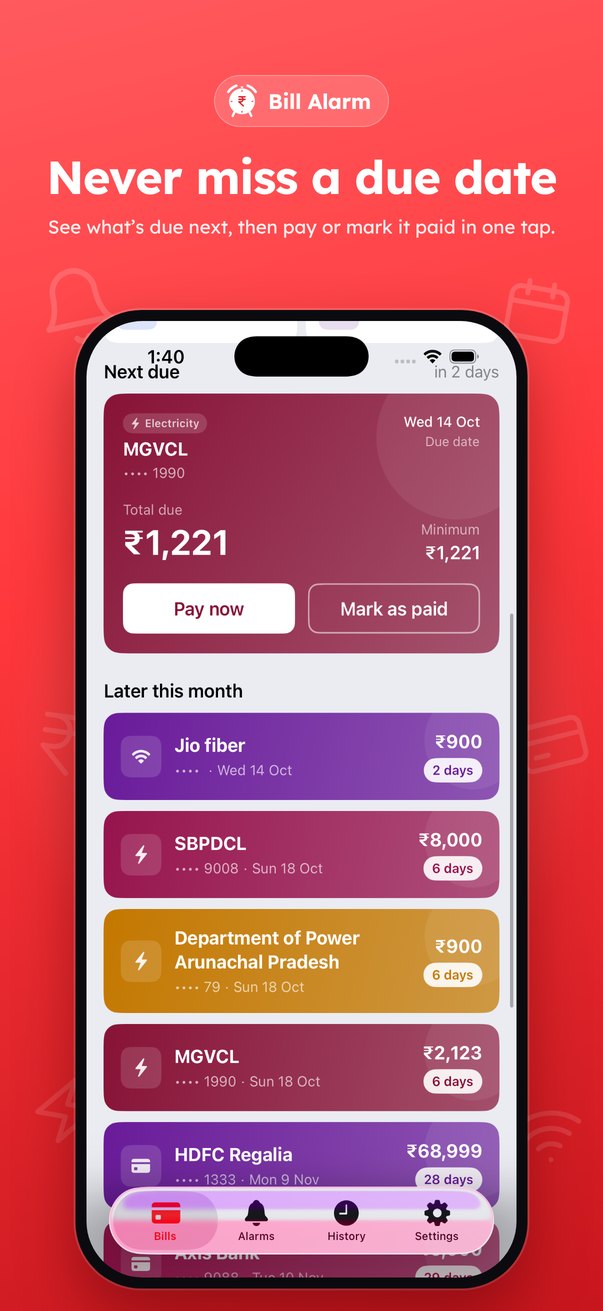
Never miss a due date
The next bill due is always on top, with total and minimum amount. Pay now or mark it as paid in one tap.
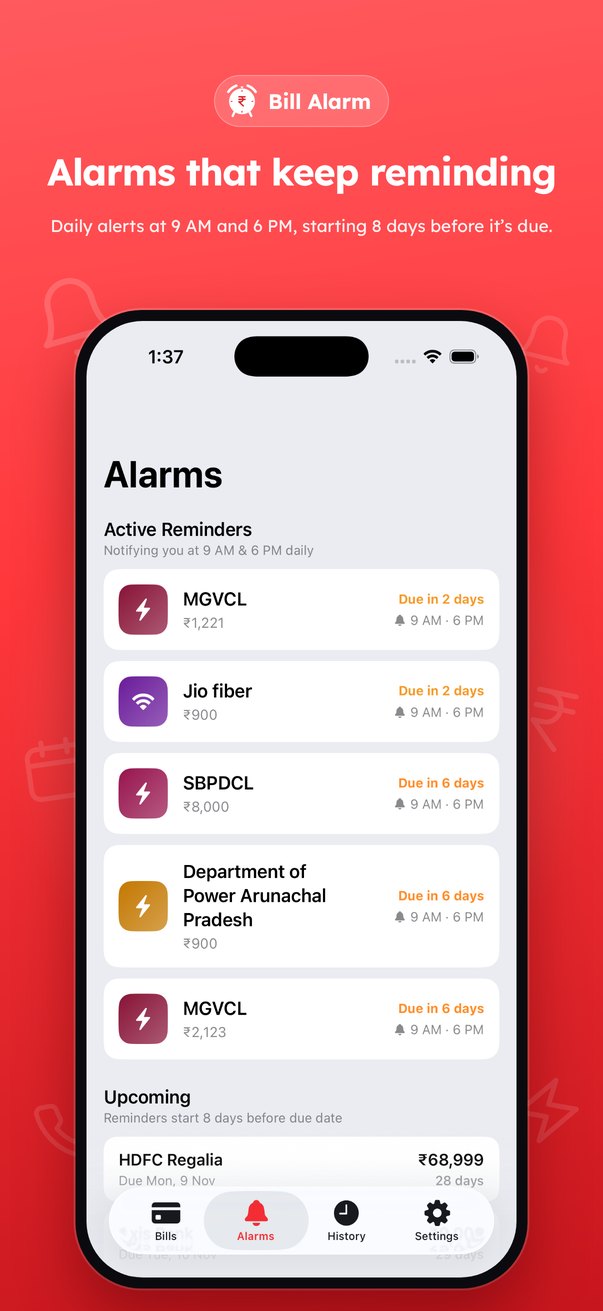
Alarms that keep reminding
Reminders start 8 days before the due date, with alerts at 9 AM and 6 PM every day, so a busy day doesn't make you forget.
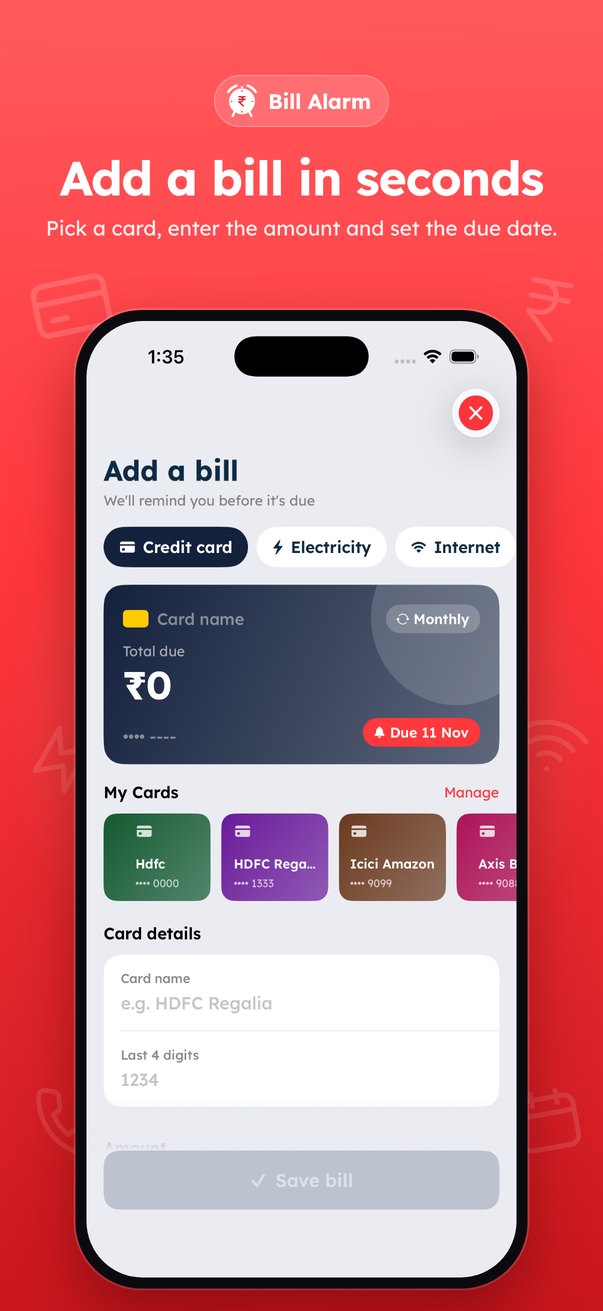
Add a bill in seconds
Pick a bill type, enter the amount and due date. Save cards once, choose a colour, and turn on "Repeat every month" for regular bills.
How it works
Three steps to stay on time.
Add your bills
Credit cards, electricity, internet and mobile, each with its amount and due date.
Get reminded
From 8 days before, Bill Alarm alerts you at 9 AM and 6 PM until the due date.
Pay and relax
Pay, then mark the bill as paid. Repeating bills roll over to next month.
Private by design
Your bills and payment details stay on your iPhone. No account, no sign-up, and nothing is sent to our servers.
FAQ
Questions, answered.
Which bills can I track?
Credit card, electricity, internet and mobile bills. You can add as many as you need, and set any of them to repeat every month.
When will I be reminded?
Reminders start 8 days before a bill's due date, with notifications at 9 AM and 6 PM each day. Make sure notifications are allowed for Bill Alarm in your iPhone Settings.
Does Bill Alarm pay my bills?
No. Bill Alarm reminds you and helps you keep track. You pay through your bank, card or biller as usual, then mark the bill as paid in the app.
Do I need to create an account?
No. There's no sign-up. Everything you enter stays on your device.
Do you see my card number?
No. Bill Alarm only asks for the last 4 digits so you can tell your cards apart, and that stays on your device.