 Scanora One
Scan what you have. Create what you need.
Scanora One turns everyday paper into digital files, and everyday information into scannable QR codes — in one simple app.

See it in action
Swipe to browse →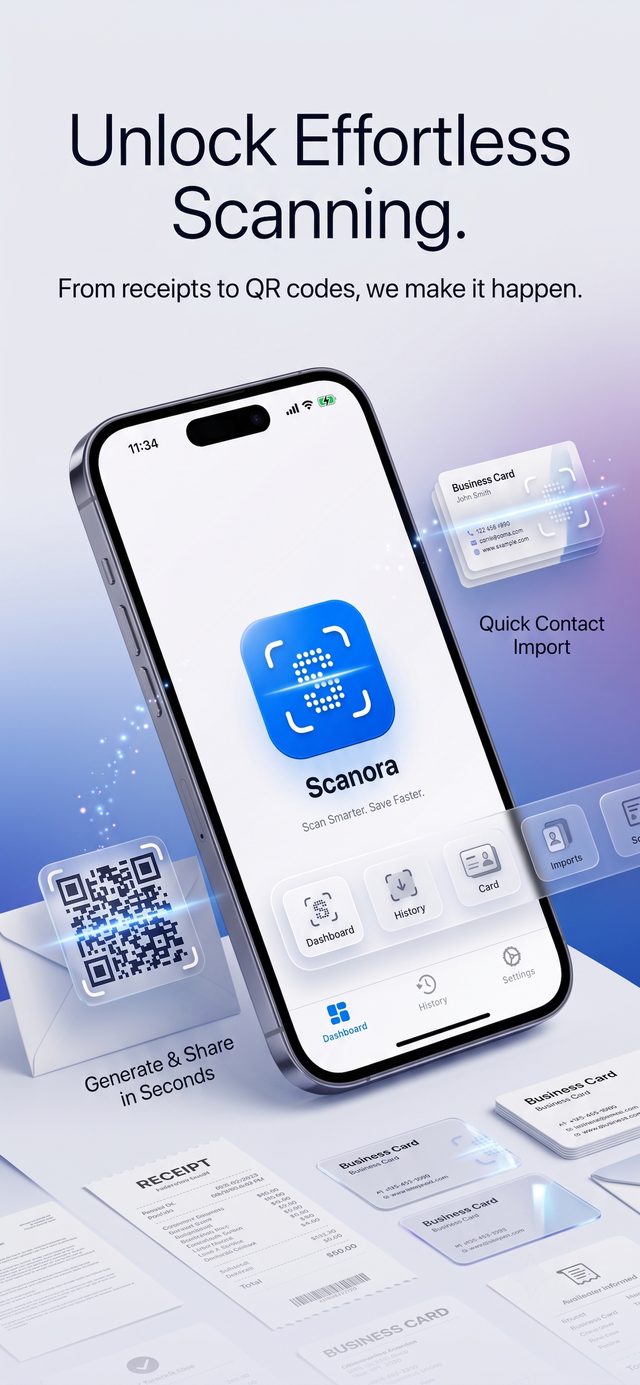
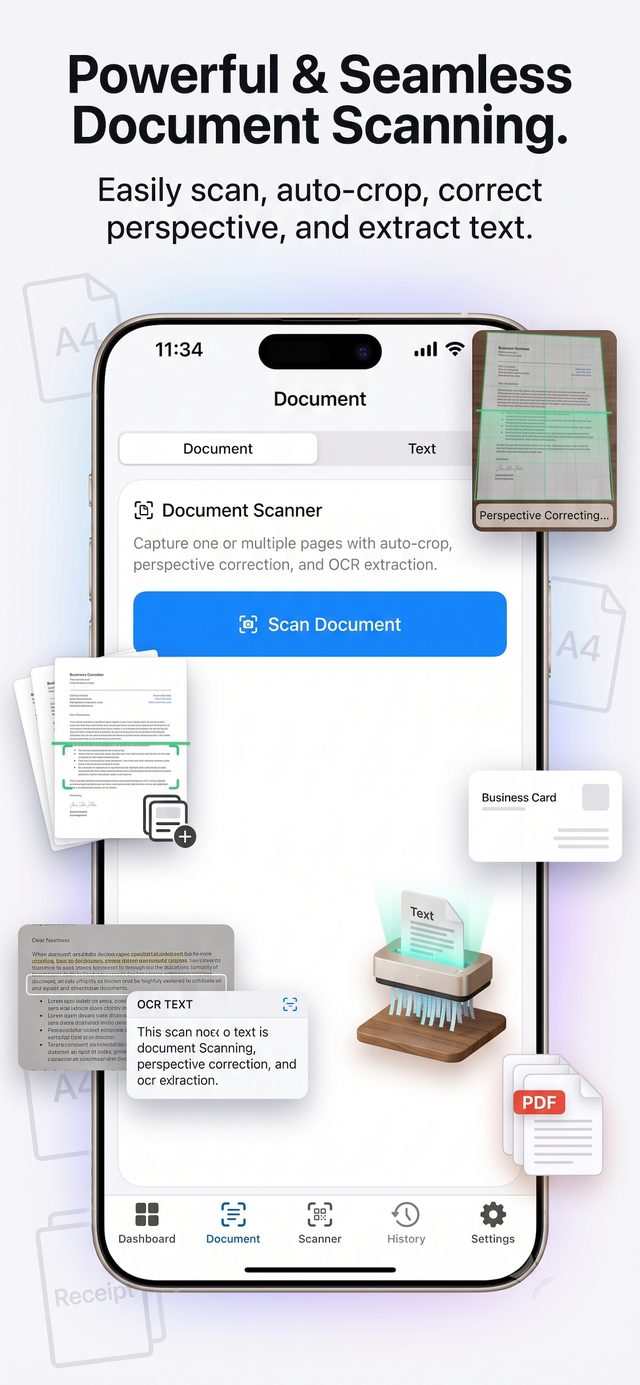
Scan and save documents
Scan important documents straight from your phone and save them digitally — receipts, notes, forms, certificates, bills, and anything else on paper.
No more searching through piles of paper. Scan it, save it, and keep it with you.
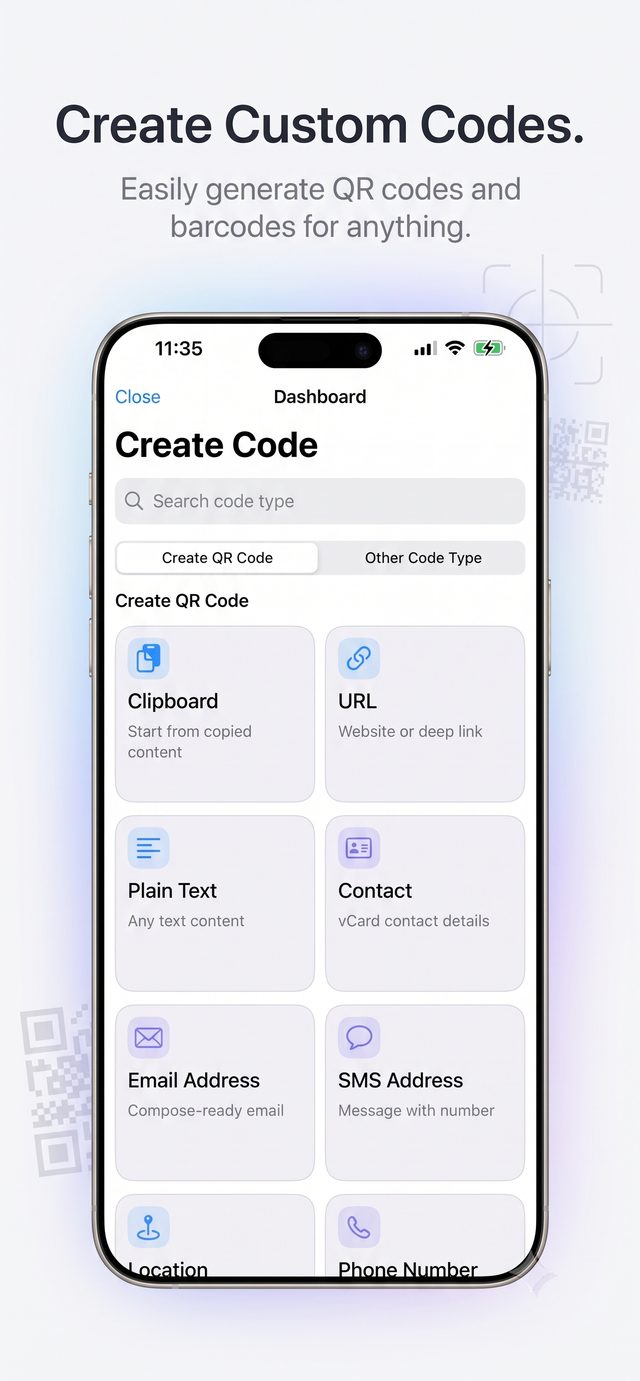
Create QR codes for anything
Choose what you want to share, enter your details, and generate a QR code in seconds — no complicated steps.
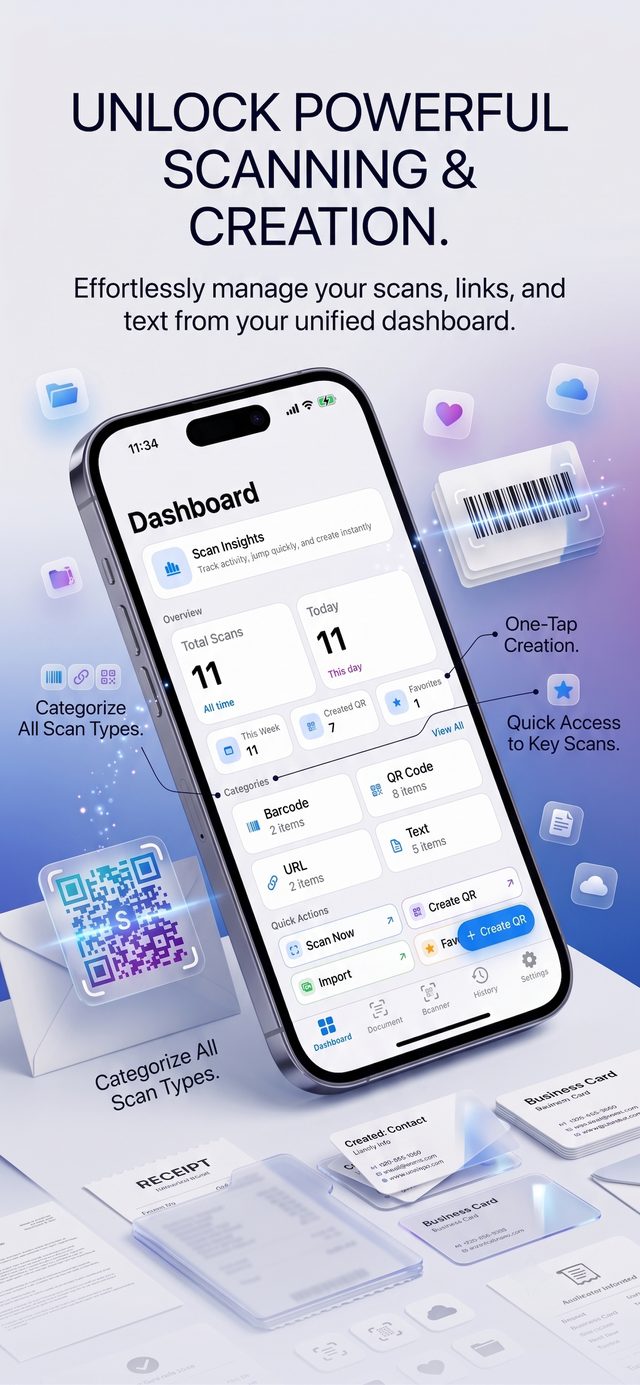
Everything in one dashboard
Every scan and every code you create is tracked on your dashboard — totals, categories, and quick actions to scan or create again in one tap.
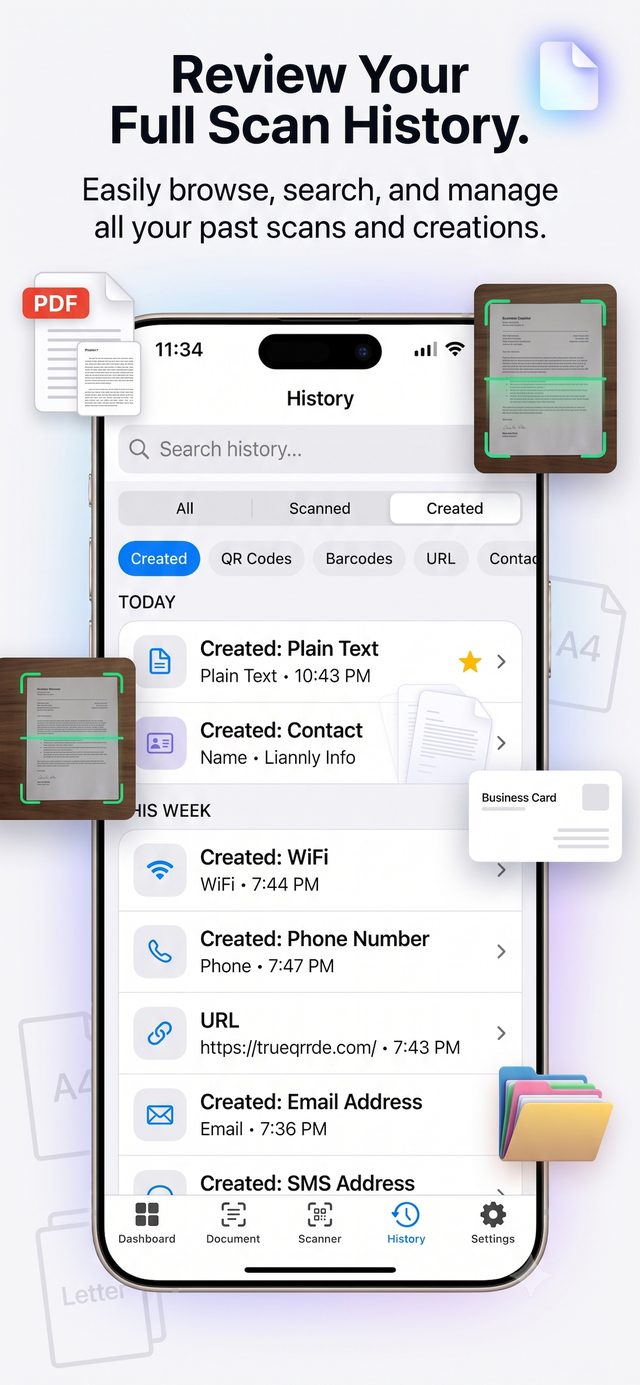
Search or filter your full history any time, whether it's a scanned document or a code you created.
Scan your documents. Save what matters. Create QR codes. Share with ease.
Scan
Point your camera at a document, a code, or a form.
Save
Keep every file organized and ready on your phone.
Create & share
Turn any detail into a QR code and send it along.